Add & Connect Nodes
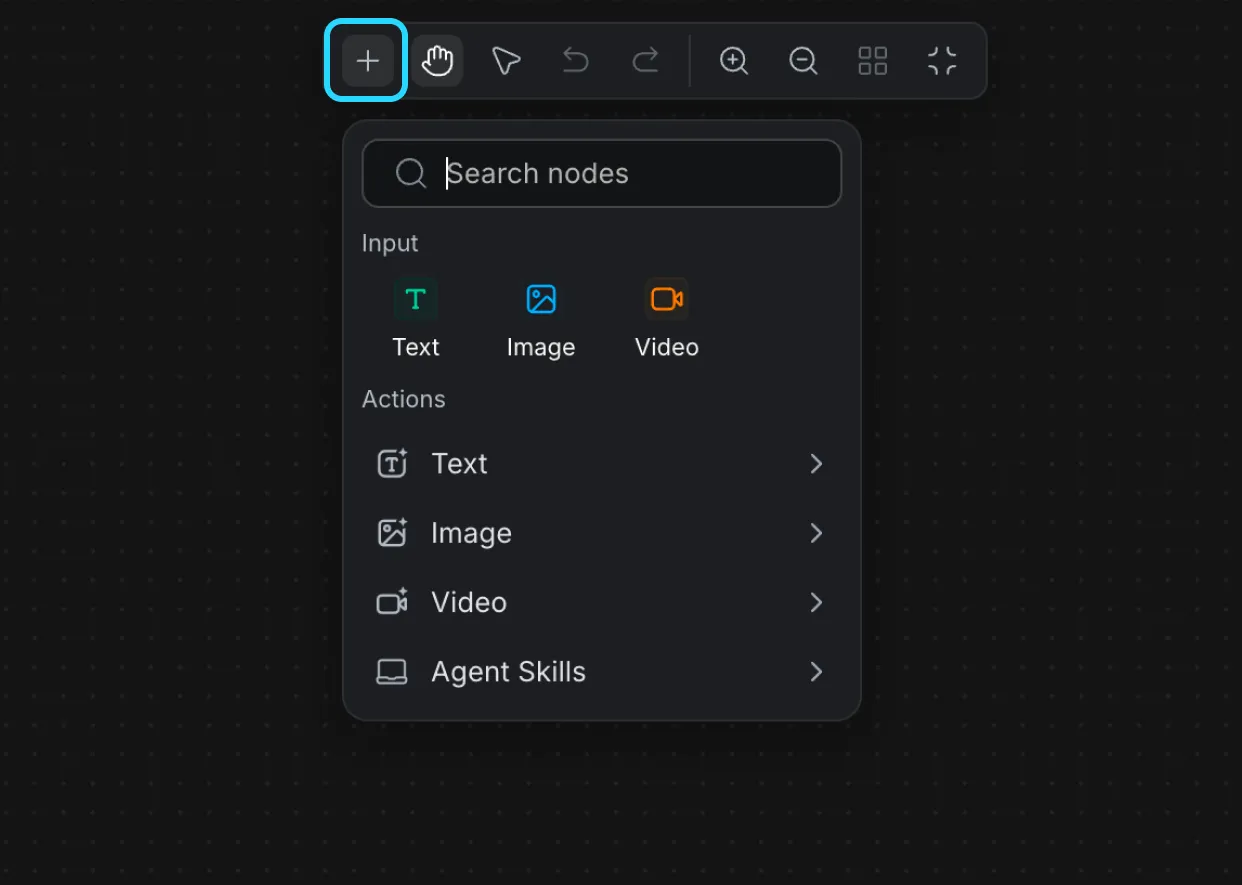
1. Click Add Node (or right-click on the canvas) and select the node you want to add.
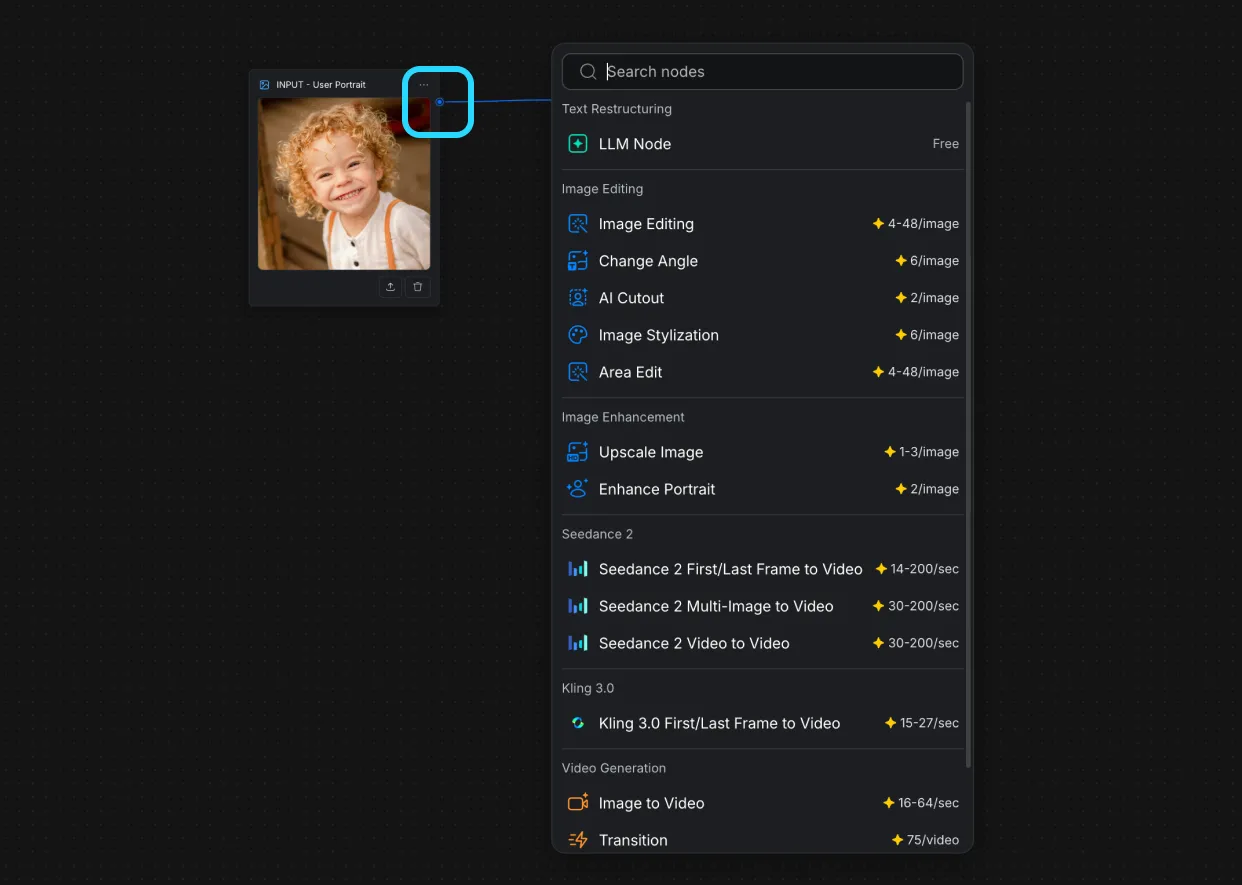
2. Drag from one node’s output port to another node’s input port to connect them.
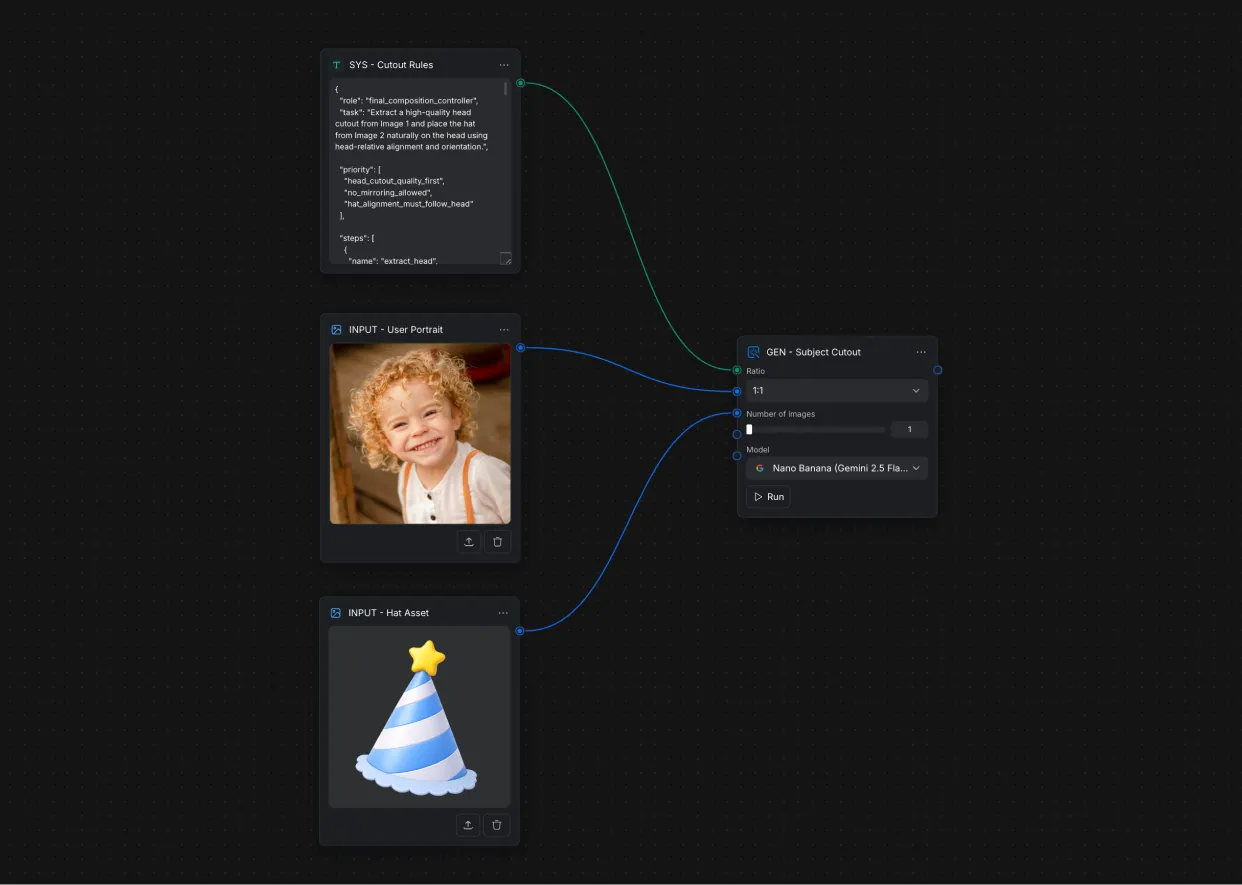
3. Make sure all required inputs are connected before running the workflow.
Run a Workflow
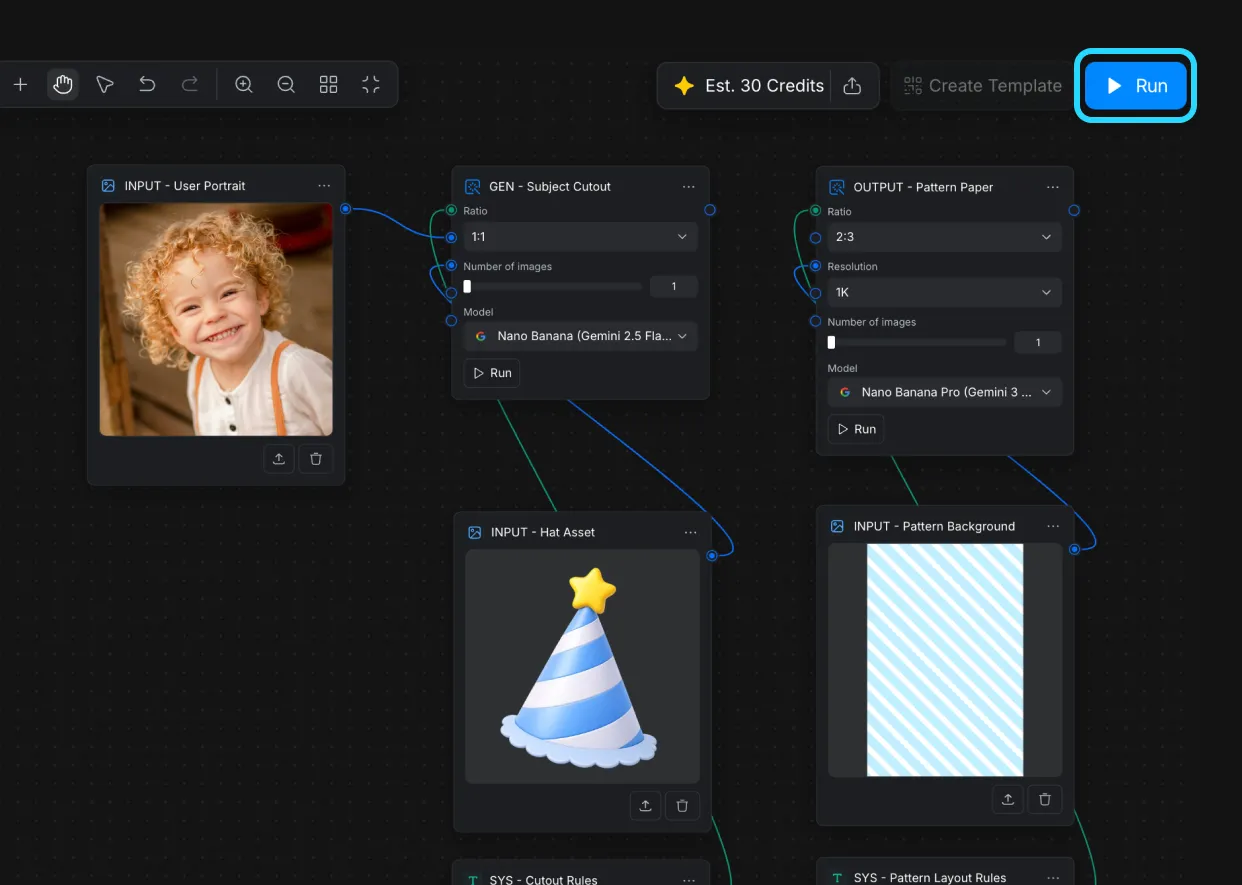
1. Click the Run button to execute the workflow. The system will process each node based on the connections.